Gempix · The thought-to-art studio

Turn your thoughts into
expressive visual art.

A single sentence becomes a landing hero, a phone wallpaper, and a social square — composed with AI-generated artwork and editorial typography.

Press ↵ to generate
01
Read between the lines

Gempix doesn't just process keywords — it reads the emotional texture of your words. Mood, metaphor, implied tension, quiet longing. The AI understands what you're really trying to say before it starts to paint.

02
Generate art that actually fits

Choose from 80+ illustration styles spanning editorial photography, oil painting, ink sketch, cyberpunk, dreamy pastel, and more. Every style is tuned to the language of the composition — not just applied as a filter.

03
Three canvases, one thought

A single prompt produces a desktop hero, a vertical story card, and a social square simultaneously. Each format is independently composed — proportions, focal points, and typography adapted for the medium, not just cropped.

Showcase

See what's possible

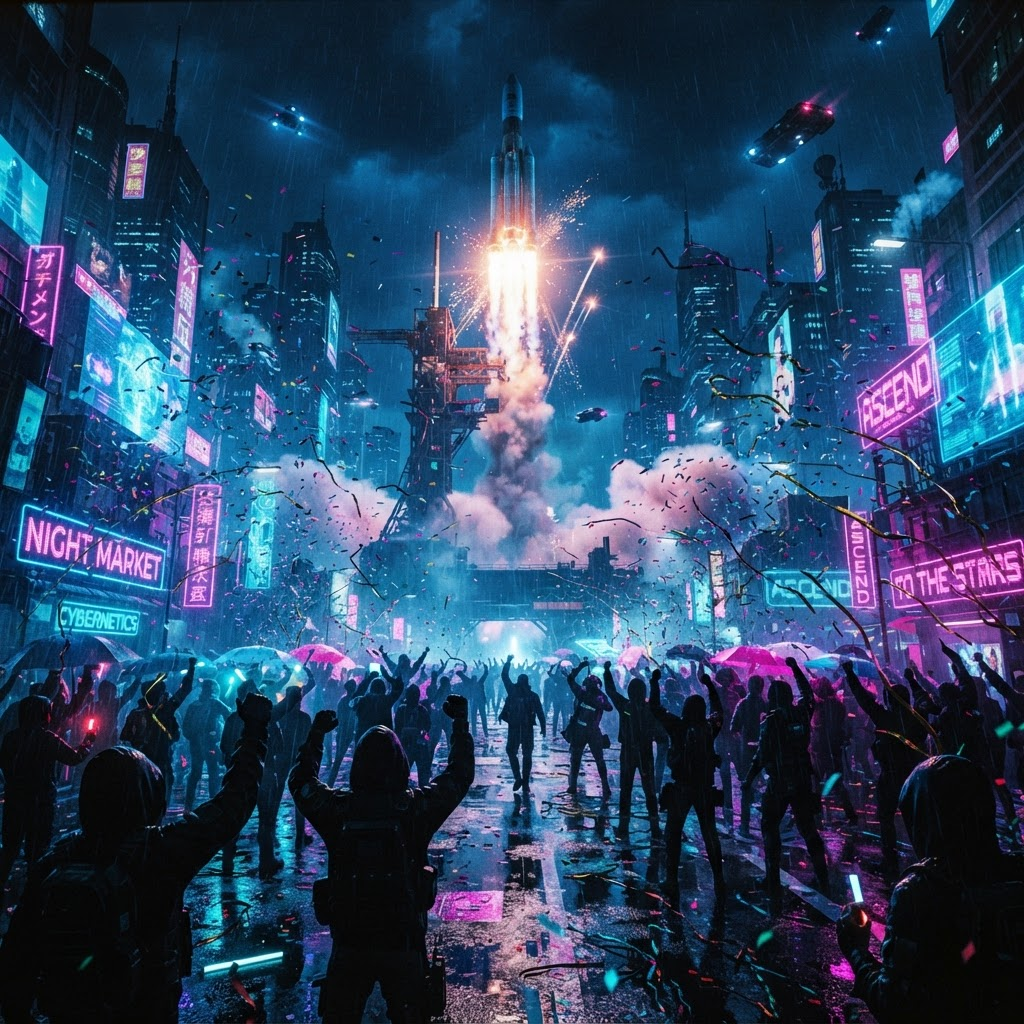
Cyberpunk — Triumphant Release
Cyberpunk · Triumphant Release

"The launch day finally arrived, celebration in the air."

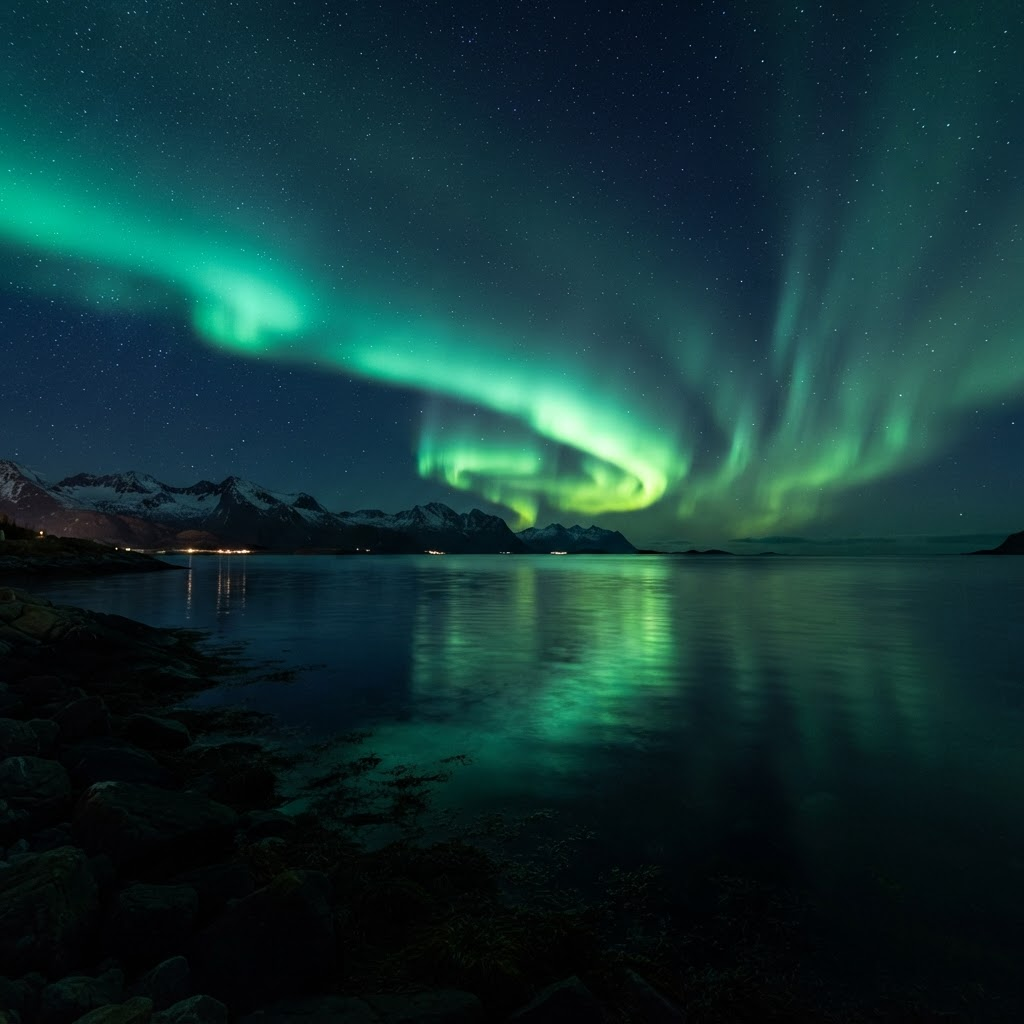
Photorealistic — Midnight Awe
Photorealistic · Midnight Awe

"The northern lights danced above a still midnight ocean."

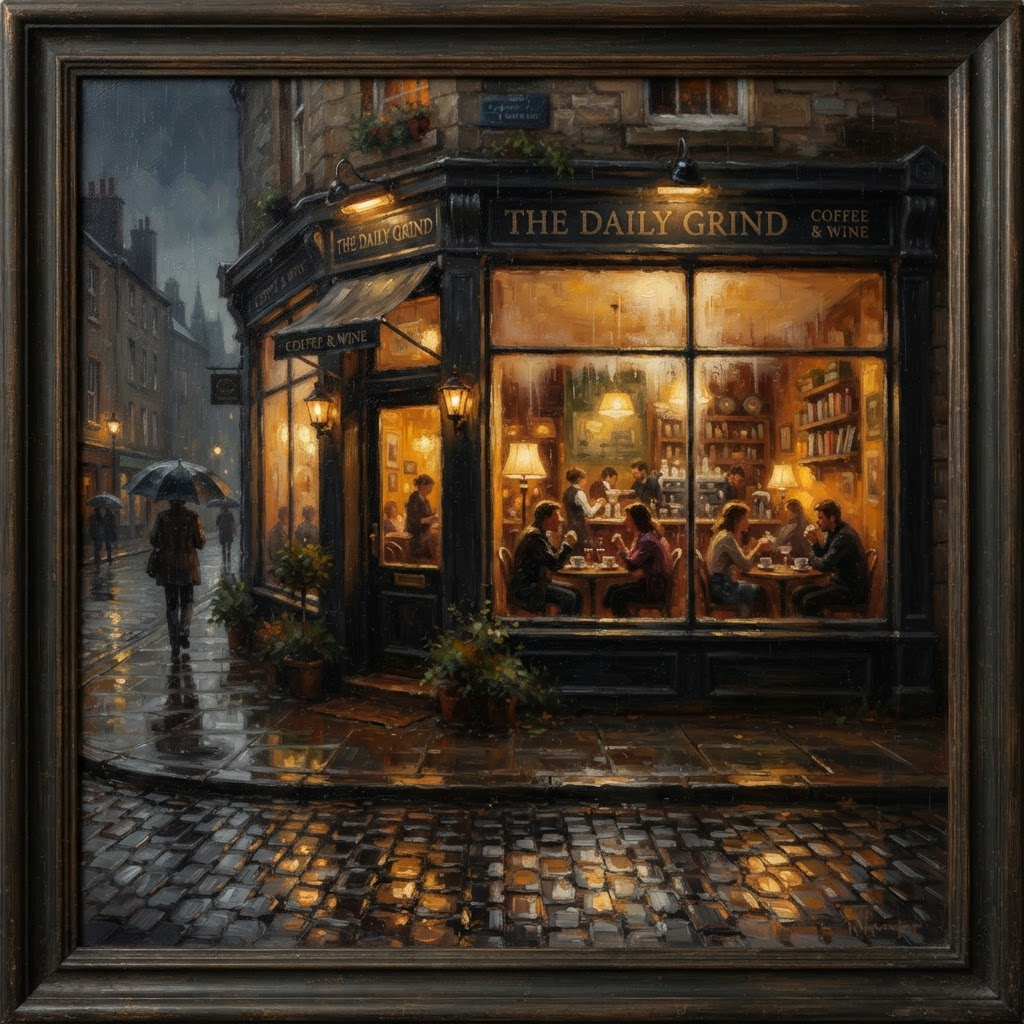
Impressionist Oil — Quiet Evening
Impressionist Oil · Quiet Evening

"Rain on cobblestone, warm light spilling from a café window."

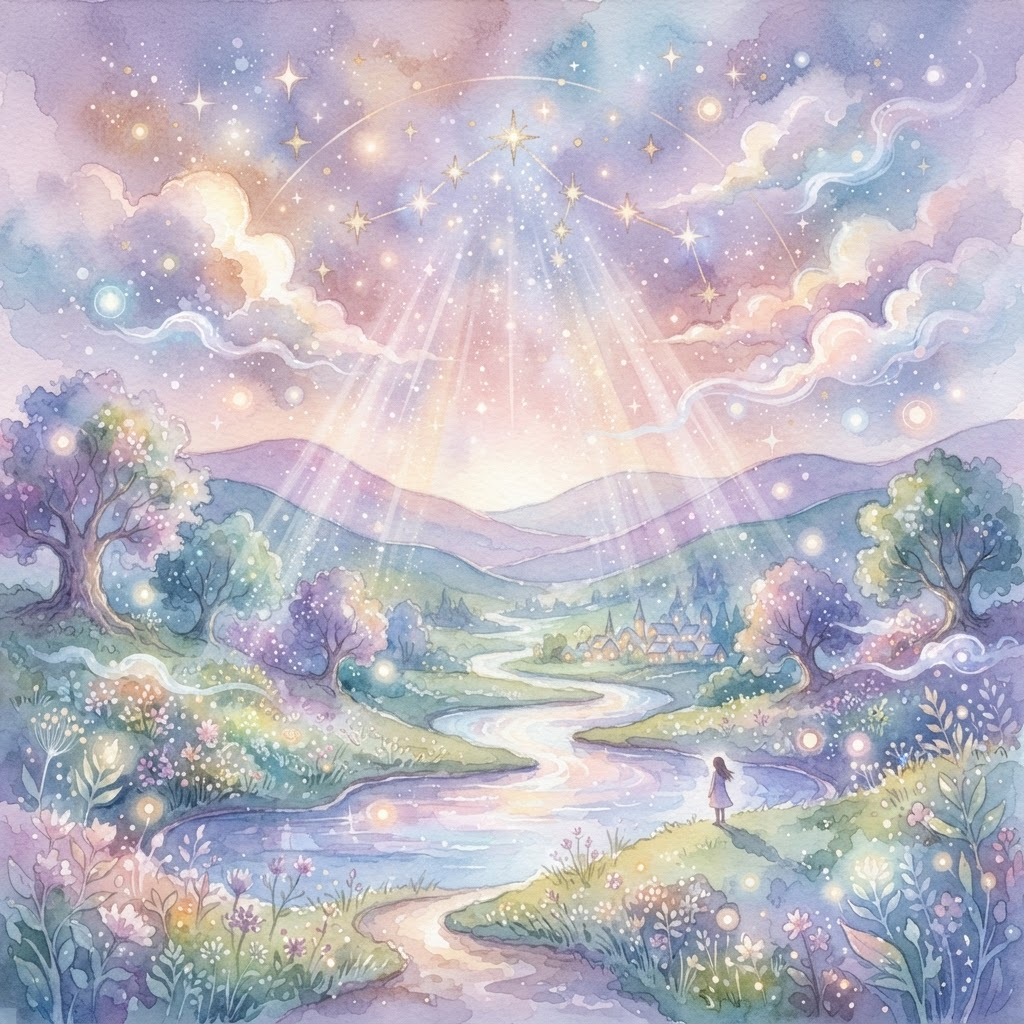
Dreamy Pastel — Distant Wonder
Dreamy Pastel · Distant Wonder

"The stars aligned, dreams becoming reality."

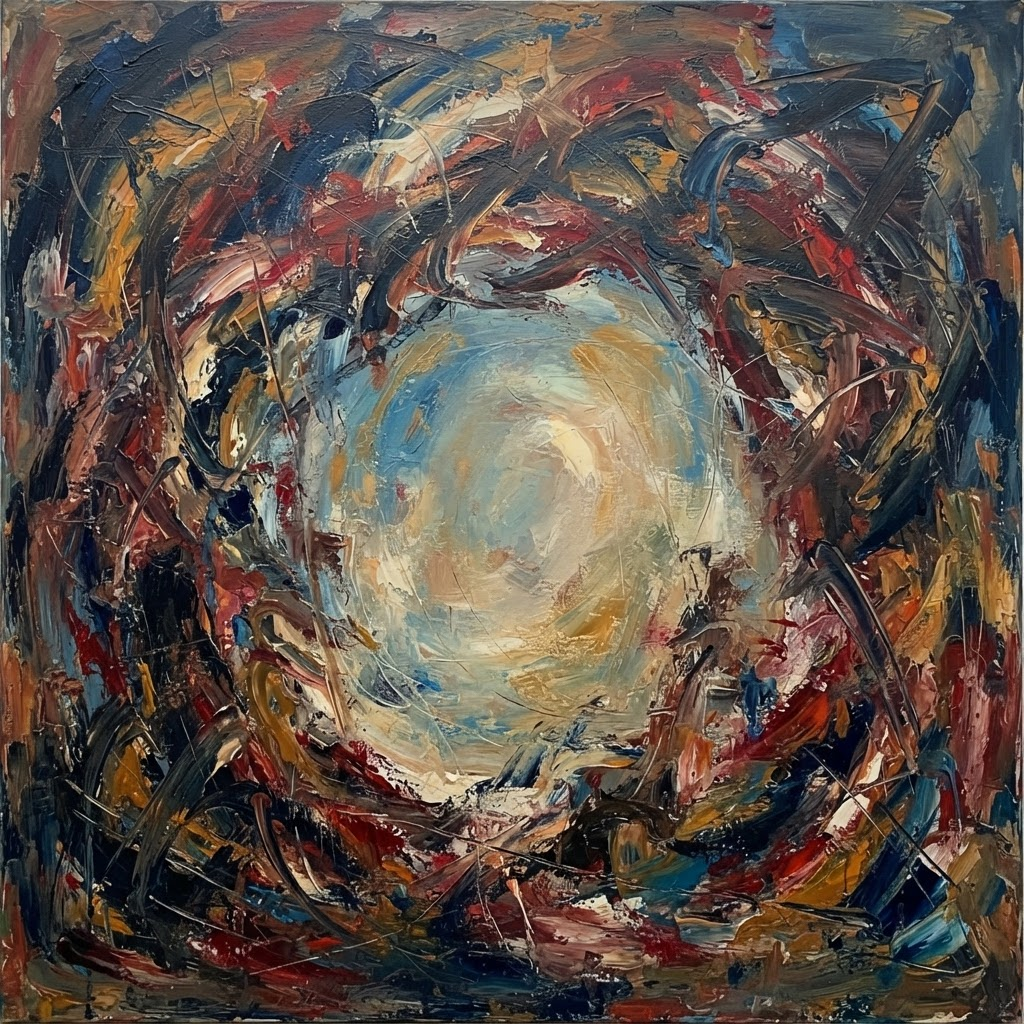
Abstract Expressionism — Inner Peace
Abstract Expressionism · Inner Peace

"A moment of silence in the chaos of the day."

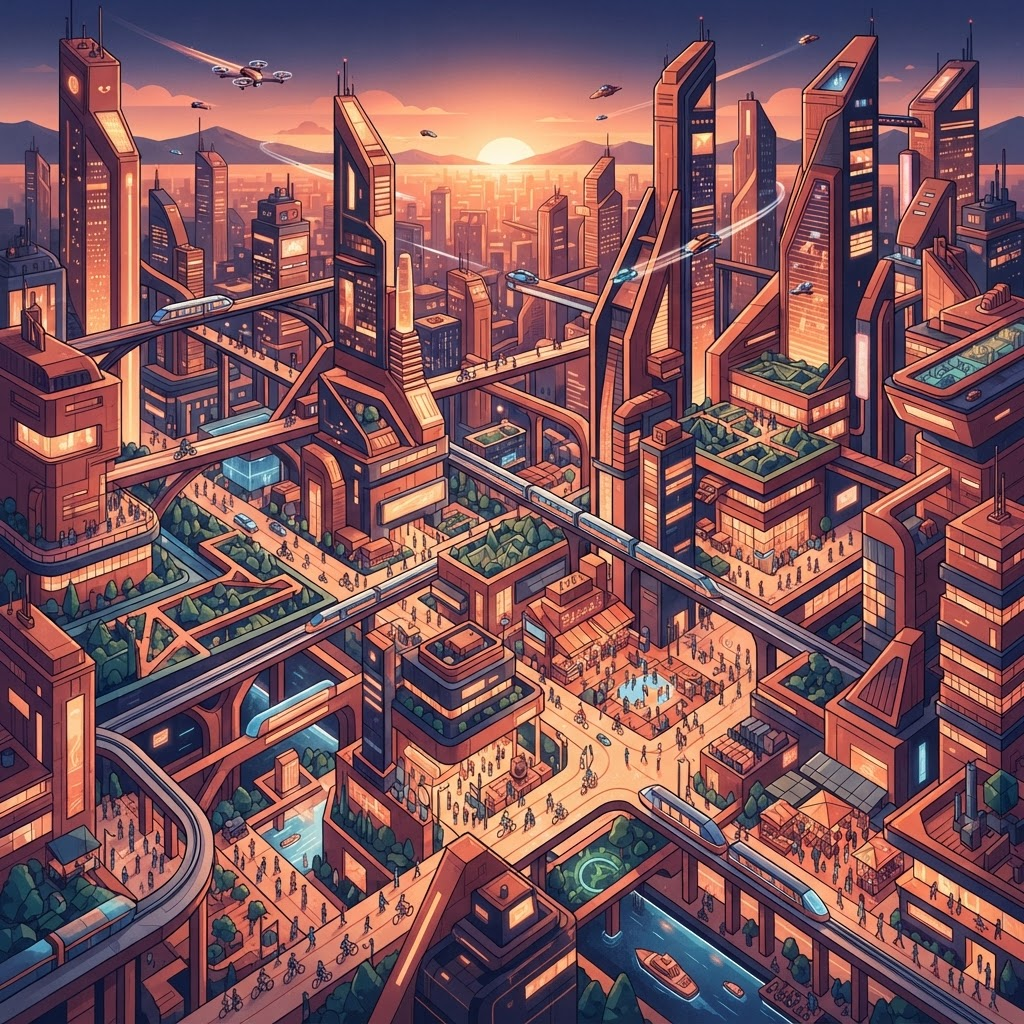
Isometric Illustration — Urban Rhythm
Isometric Illustration · Urban Rhythm

"A city humming with life, seen from above at golden hour."

Use Cases

Perfect for every creative need

Social Media

Create stunning Instagram posts, Twitter headers, and LinkedIn banners that stand out.

Marketing

Design eye-catching landing page heroes and ad creatives in seconds.

Personal Expression

Turn your thoughts and feelings into beautiful visual art to share with the world.

Brand Design

Maintain consistent visual identity across all your marketing materials.

Demo

See Gempix in action

gempix.xyz/studio
Prompt

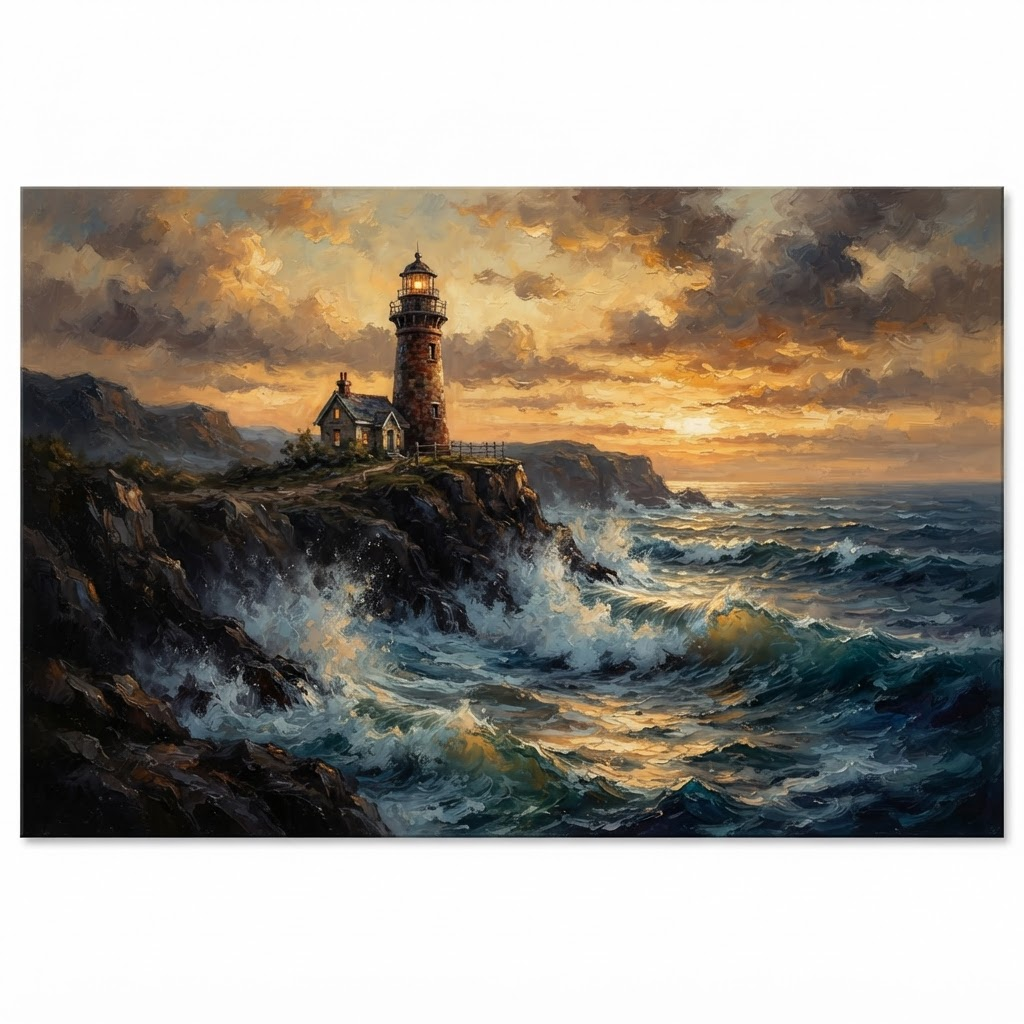
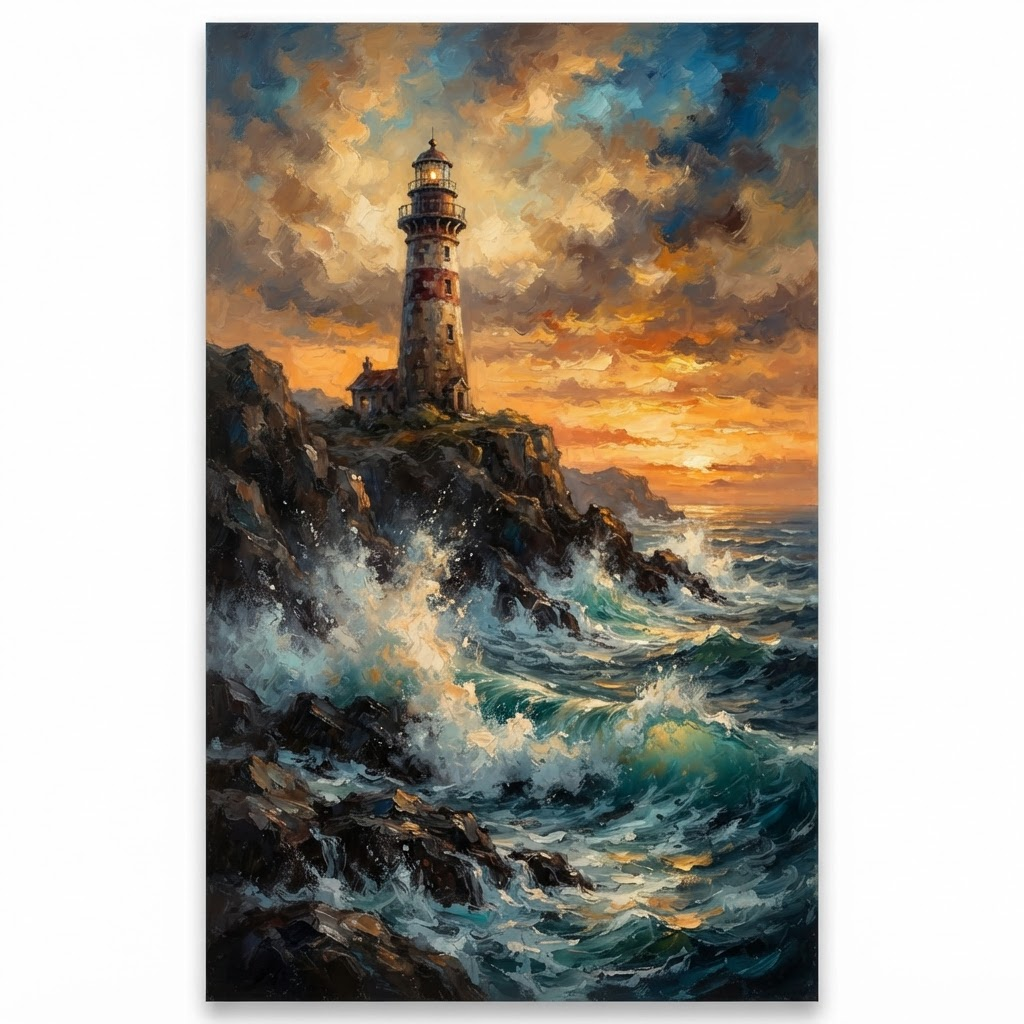
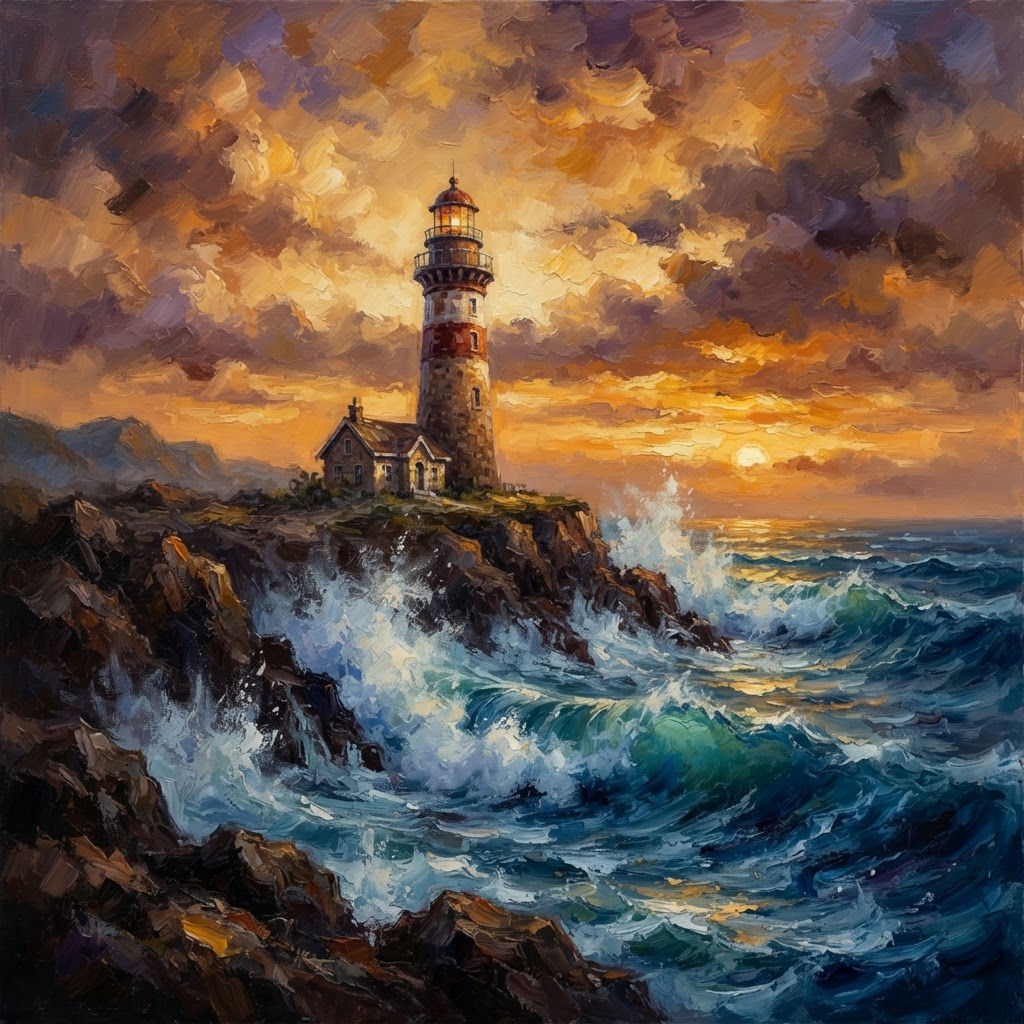
A lone lighthouse at golden hour, waves crashing below, oil painting style

Style
Oil Painting
Line Art
Watercolor
Ink Sketch
Generate
Preview
AI generated desktop canvas — lighthouse at golden hour
Desktop 16:9
AI generated story canvas — lighthouse at golden hour
Story 9:16
AI generated square canvas — lighthouse at golden hour
Square 1:1

One thought. Three canvases. Under five seconds.

Zero design skills required

Try it yourself

FAQ

Answers to your questions

How does Gempix generate images?

Gempix connects to top-tier AI image generation models. You write a text description, pick an illustration style, and the AI interprets the meaning to produce a matching high-quality image — typically within seconds.

How long does it take to generate an image?

Most generations complete in 5–15 seconds depending on the selected style and current server load. Pro users are prioritized in the queue, so their results tend to arrive faster during peak hours.

What illustration styles are available?

Over 80 styles across 10 categories — including line art, watercolor, oil painting, pixel art, cyberpunk, minimal geometric, comic, and anime. New styles are added regularly.

Can I use generated images commercially?

Yes. You own the images you generate. Pro users get watermark-free PNG exports ready for commercial publishing, client work, or product use.

What is the difference between Free and Pro?

Free gives you a set number of generations per month with a watermark. Pro unlocks all 80+ styles, removes watermarks, increases your monthly quota significantly, and prioritizes your jobs in the generation queue.

What size are the generated images?

The standard output is 864 × 1152 px (portrait), well-suited for phone wallpapers, social media covers, and posters. Landscape and square formats are on the roadmap.

How do I export an image?

Once generation is complete, click the Export PNG button in the top-right corner of Studio. Your full-resolution image downloads instantly — no extra steps required.

Is my data and content secure?

Your input is used only for the current generation and is never used to train AI models. Generated images are stored under your account and are only accessible to you.